
Computer Classes for Seniors: What You Should Know
Learning technology later in life can feel overwhelming - but it doesn't have to be. More seniors than ever are discovering that getting comfortable with computers, tablets, and smartphones opens up a whole new world. From video calling grandchildren to managing health appointments online, digital skills are quietly becoming one of the most valuable tools for independent living. The good news? It's never too late to start, and the right class can make all the difference.
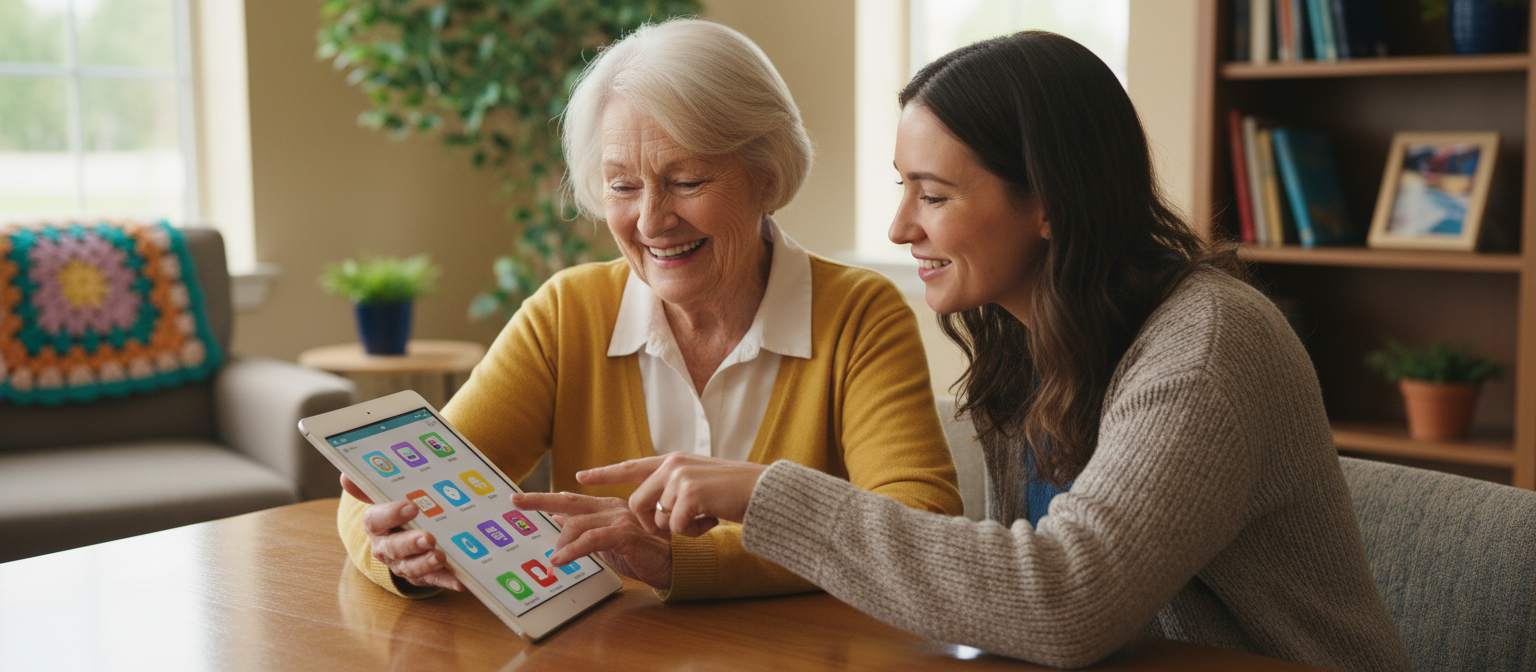
Why So Many Seniors Are Turning to Computer Classes
The shift toward digital life isn't slowing down. Banking, healthcare, shopping, and staying in touch with loved ones - nearly everything now has an online component. Seniors who feel confident using technology report higher levels of independence and lower feelings of social isolation.
Research has also linked learning new digital skills to improved memory and cognitive engagement. Think of it like a mental workout - one that also happens to have real, practical payoffs in everyday life.
What Most Computer Classes Actually Teach
If you've never taken a digital literacy class before, here's what a good beginner program typically covers:
- Basic computer or tablet navigation - how to turn it on, open apps, and get around the screen
- Internet browsing - searching safely, reading websites, and avoiding scams
- Email basics - setting up an account, sending and receiving messages
- Video calling - using Zoom, FaceTime, or Google Meet to connect with family
- Online safety - password management, two-factor authentication, and spotting phishing attempts
More advanced courses now also introduce telehealth portals, smart home devices, and even beginner-level artificial intelligence tools - all designed with seniors in mind.
The Problem With "Just Figure It Out" Advice
Many seniors try to learn from family members or by experimenting on their own. While that works for some, it often leads to frustration. Without structured guidance, it's easy to feel lost, make mistakes that feel hard to undo, or simply give up after one bad experience.
Purpose-built classes for seniors move at a comfortable pace, repeat key steps without judgment, and focus on the tasks that actually matter to older adults - not technical jargon or topics that feel irrelevant.
Tips for Choosing the Right Class
Not all computer classes are created equal. Here are a few things to look for:
- Small group sizes - fewer students means more individual attention from the instructor
- Senior-specific curriculum - programs designed for older adults cover relevant topics like telehealth and video calls, not coding or gaming
- In-person or virtual options - some people learn better in a classroom, others prefer learning from home. Look for flexibility.
- Free or subsidized programs - many public libraries, community centers, and non-profits offer low-cost or free courses
- Ongoing support - a good program doesn't just teach once. Look for drop-in help sessions or follow-up resources.
Where Seniors Typically Find Classes
There are more options than most people realize:
- Public libraries often host free "Digital Literacy" workshops and drop-in tech help hours
- Senior centers and Councils on Aging frequently run in-person computer labs
- Community colleges offer non-credit continuing education courses, often free or discounted for adults over 60
- Online programs like Senior Planet from AARP offer free virtual classes on everything from smartphone basics to exploring AI tools
A Few Practical Tips Before You Begin
Starting out can feel a little daunting, but these simple habits make a big difference:
- Practice in short sessions. Even 15 minutes a day builds confidence faster than occasional long sessions.
- Write things down. Keep a small notebook of steps you've learned. It's a simple trick that reduces anxiety.
- Start with a tablet if possible. Many seniors find touchscreens more intuitive than a traditional mouse and keyboard.
- Ask questions without hesitation. Good instructors expect them. There are no "silly" questions in a senior-focused class.
Looking for the Right Class in Your Area?
While the tips above can help you get started, finding the right computer class really depends on your specific location, budget, and comfort level. What works well in one city or town may not be available in another. The most effective next step is to search for options that are local and specific to your situation - including what's free, what's nearby, and which programs have the best reputation for working with older adults.
The Bottom Line
Computer classes designed for seniors are more accessible, more practical, and more enjoyable than most people expect. Whether you want to video call your grandchildren, manage your health records online, or simply feel more confident in a digital world, there's a class out there designed exactly for where you are right now. Taking that first step is all it takes to open up a much more connected and independent life.